Places
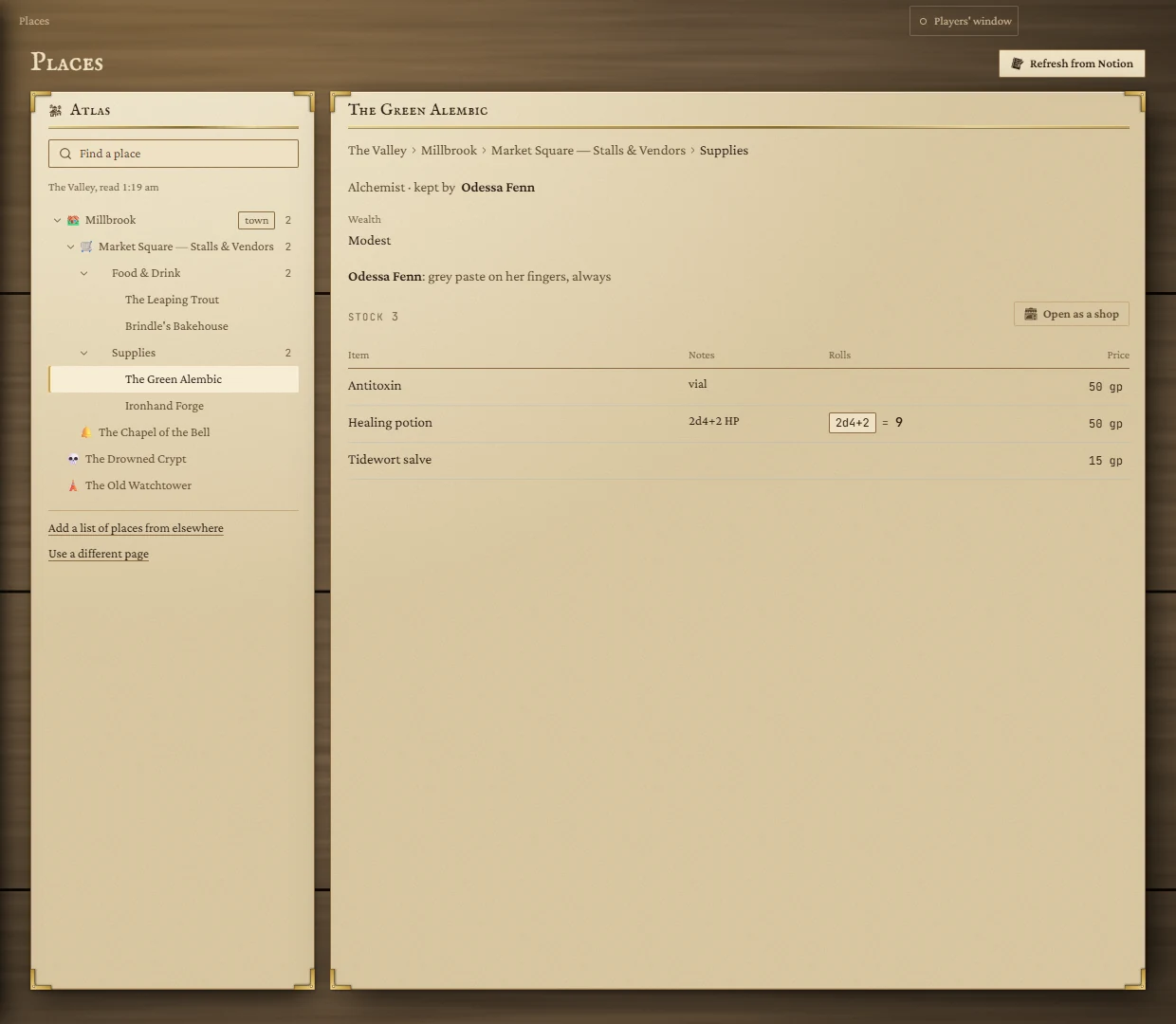
Your world as your Notion arranges it: pick the page your places live under, and every page beneath it becomes an atlas you can unfold. A market page with a heading per stall becomes a list of stalls, each with its keeper, stock and prices, ready to open as a shop.
- Where
- Places, in the rail
- Needs
- A Notion page of places (see Notion)
- Works with
- Store Inventory
Setting it up
- Connect Notion, if it isn't already. See Connecting Notion.
- Pick the page your places are written under (for example Cities and Locations). The page suggests likely ones; search with Find a page and press Use.
The atlas
Every page under the one you picked appears in the atlas, nested as it is in Notion. Click the arrows to fold and unfold; click a name to open it on the right. A count shows how many places are inside. Find a place searches the whole atlas.
- Add a list of places from elsewhere brings in a page that lives outside the one you picked, and lets you choose where it shows in the atlas.
- Use a different page starts again from another page.
- Refresh from Notion reads it all again. If Notion can't be reached, you see the saved copy.
A page
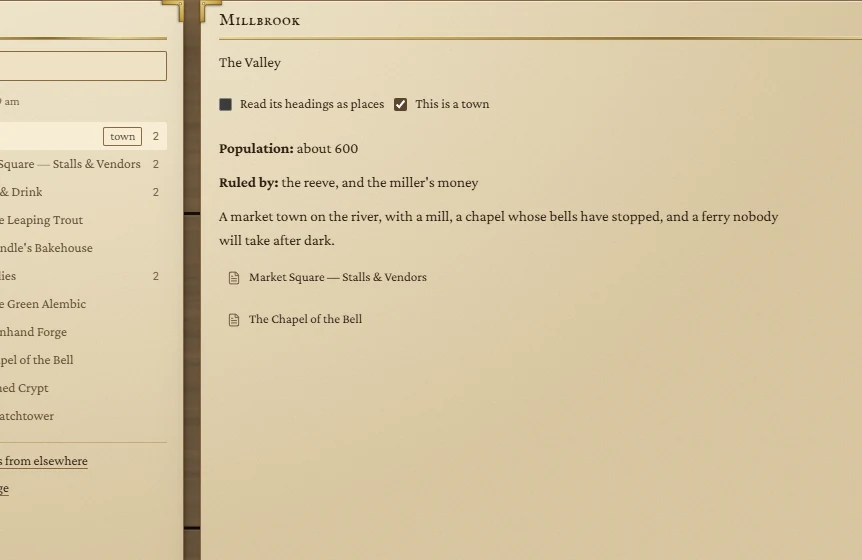
A page shows its text as written in Notion, with two choices above it:
- Read its headings as places: for a page that lists several places under headings, like a market's stalls or a district's buildings. Each heading becomes a place in the atlas; a higher heading groups them (Food & Drink, Supplies).
- This is a town: marks it as a town. Towns can be given to shops on a Store Inventory tile, and shops can be filtered by town.
A place read from headings
Write a stall in Notion like this, and Places reads it:
| In Notion | Becomes |
|---|---|
Heading: The Green Alembic — Alchemist | The name, and its trade after the dash. |
| A line starting in bold: Vendor: Odessa Fenn — grey paste on her fingers | Who keeps it (Owner, Keeper and Proprietor work too). |
| Other bold labels: Wealth: Modest | Facts about the place. |
A line Stock: (or Services, Wares, Menu, Goods) followed by a bulleted list | Its stock table. A note in brackets becomes the item's note. |
| Anything else | Its description. |
Dice written in a stock line (2d4+2 HP) become a button in the Rolls column: click it to roll.
Prices and shops
If your page has no prices, type them into the Price column. They are kept here in the app; Notion isn't changed. Then press Open as a shop: the stall opens on your board's Store Inventory tile with this stock and these prices, and its prices follow any changes you make here. You'll need a Store Inventory tile on the board first.